
You're five minutes into your first teletherapy session when your dog barks, your wifi stutters, and you realize you're still wearing pajama pants.
Cue the panic: Am I doing this wrong?
Here's the relief: teletherapy has been used successfully since the late 1990s for hundreds of thousands of therapy sessions. It's effective, it's normal, and there's no perfect way to do it. But there are things that make sessions smoother for both you and your therapist.
Here's what they wish you knew.
Tech Setup (Get This Right Once)
Test Your Platform Before Your First Session
Check your email for the link to join, see if your device needs to download anything, and ensure you have sound and video on with a strong internet connection.
Most teletherapy platforms use Google Meet, Zoom, or HIPAA-compliant videoconferencing. Practice with friends or family members before you meet your therapist live online.
Pro tip: Log in a few minutes early to troubleshoot if needed. This demonstrates your commitment to the therapeutic process and prevents losing the first 10 minutes to tech issues.
Use a Computer If Possible
We recommend joining teletherapy appointments from a computer for the best experience, but we know that isn't always feasible. Larger screen = easier connection. But phones work too.
Check Your Audio
If you decide to use headphones, consider ones with a background-noise canceling feature. Headphones also add privacy if you live with others.
Privacy (Protect Your Space)
Find Your Private Zone
Find a peaceful, private space where you won't be interrupted. This ensures confidentiality and allows you to focus without distractions.
Options when you live with others:
- Bedroom with door closed
- Home office
- Parked car outside (yes, really—therapists understand)
- Set up a fan or white noise machine outside your room for added privacy
Though finding a private place should be assumed, it doesn't hurt to double check that your setting is as soundproof as possible.
Inform People You Live With
Set up rules with those you live with so you will not be disturbed during sessions. "I have a call from 2-3 PM, please don't come in" works for everyone.
Session Pacing (How to Bring Topics Up)
Prepare, But Don't Over-Script
Take a moment to reflect on your week, and what you might want to share. You can set an intention or agenda for your time together (example: I'd like to get some clarity on the resentment I've been feeling).
Jot down a few notes beforehand. But don't write a speech—therapy works best when it's conversational.
You Don't Need to Fill Every Silence
Pauses aren't awkward. They're processing time. Your therapist isn't judging the silence—they're giving you space to think.
It's Okay to Say "I Don't Know Where to Start"
That's literally what they're there for. Share your thoughts and feelings openly. If something isn't working for you or you feel uncomfortable, let them know. Honest feedback can guide your sessions.
What NOT to Worry About
Your Background
Therapists don't care if your room is messy. They care if you're okay. Ensure your background is tidy and professional is advice for therapists, not clients. You're fine.
What You're Wearing
Pajama pants below the camera? Totally fine. Just don't show up shirtless or in a way that's distracting to you. Comfort matters more than dress code.
Tech Glitches
Try to keep a sense of humor — there's often a learning curve to teletherapy for both therapist and client. Wifi drops. Dogs bark. Life happens. Your therapist gets it.
Taking Notes
Some people journal during sessions. Some don't. Both are fine. If you must type notes, consider muting your audio, as keyboarding is loud, especially if you both use headphones.
Before and After Your Session
Give Yourself Transition Time
Practice mindfulness or a breathing exercise before your session. Grab water or tea to drink during your session in your favorite cup or mug.
Set aside 5-10 minutes after your session to reflect on your conversation and what that means for your next day, week, or month. Don't jump straight back into work emails.
Be Punctual
Show up on time to start your session. Punctuality shows you respect your client and their time. If you're running late, text your therapist if you have their number.
What About Confidentiality?
Following the rules of confidentiality and privacy, your therapist will use a secure connection or platform. Nonpublic-facing platforms are recommended, particularly encrypted therapy platforms that are HIPAA compliant.
But here's what's on you: People you live with who can gain access to your computer may be able to gain some information about your therapy sessions—especially if sessions are recorded or if session notes are stored anywhere on the computer.
How Petals Health AI Makes Teletherapy Easier
Even with these tips, getting started with teletherapy feels overwhelming. Petals Health AI removes the friction.
Pre-session tech check guides you through platform setup, audio test, and privacy confirmation before your first appointment.
Session prep prompts appear 30 minutes before: "What's on your mind today?" Write a few notes. Arrive prepared.
Post-session reflection template helps you process what came up without spiraling. "What resonated?" "What do I want to remember?"
Connect with verified teletherapy providers through Petals Health AI. All mental health professionals using therapy services must have an active license in the state where you reside—and we verify that for you. No insurance battles. No weeks-long waits.
The Bottom Line: Good Enough Is Perfect
Teletherapy sessions typically last 50 minutes and work the same as in-person therapy, delivered via an electronic platform.
You don't need a professional setup. You need a private space, working tech, and willingness to show up.
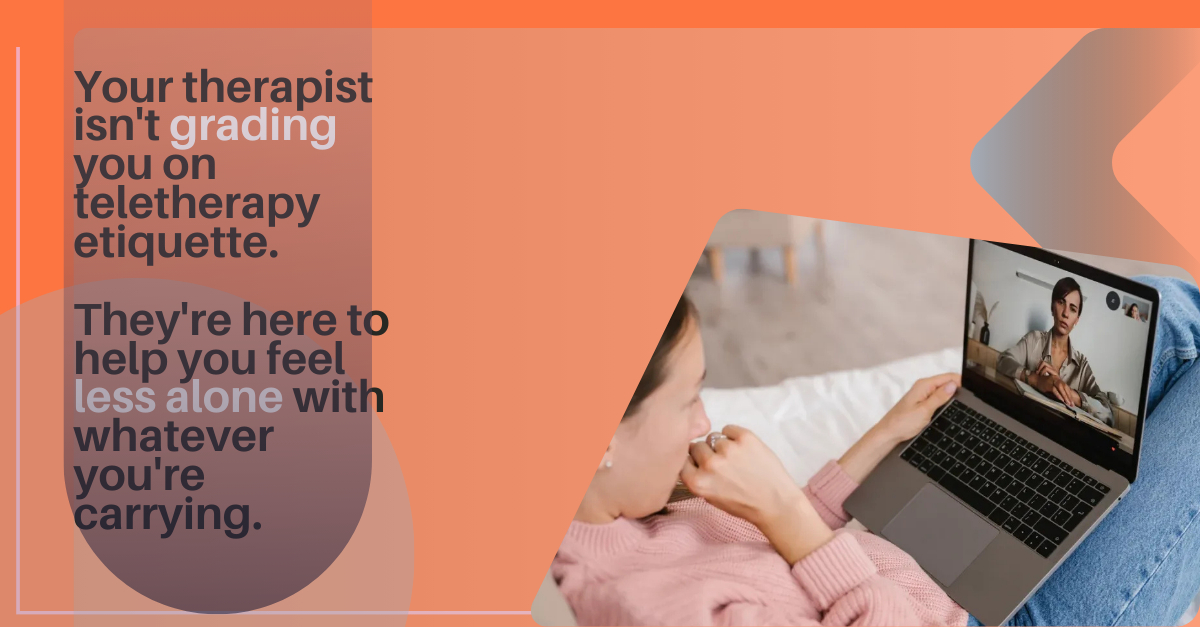
Your therapist isn't grading you on teletherapy etiquette. They're here to help you feel less alone with whatever you're carrying.
That's it. Now go test your wifi.
Ready to start teletherapy without the stress? Discover how Petals Health AI provides tech setup guidance, session prep tools, and instant connection to verified therapists—available when you're ready to begin.